
 Zeeshan Ahmad


Introduction: The Future of Workspace Reminders 🚀
In today’s fast-paced digital world, managing time and staying on top of tasks is paramount. Timely reminders in workspace environments aren’t just a luxury; they’re essential. They ensure we don’t drop the ball on important tasks, attend meetings on time, and remember our commitments. Enter the world of chatbots, which offer automated, efficient, and interactive ways to send and manage reminders.
Why Google Chatbot Scheduler: Yoga Reminder? 🤔
As we transitioned to remote work, our team found a recurring issue: remembering our collaborative yoga sessions! Traditional reminders were easily overlooked amidst the sea of notifications. What we needed was an engaging, interactive way to send, receive, and act on these reminders. Thus, the idea of the Google Chatbot Scheduler was born, specifically tailored for our yoga sessions.
Setting the Stage: What You Will Need 🛠️
To build this bot, arm yourself with:
- An active Google Workspace account.
- Familiarity with Google App Scripts (GAS).
- Basic understanding of chatbot mechanics.
- A sprinkle of enthusiasm!
Diving Deep: Understanding the Architecture 🏗️
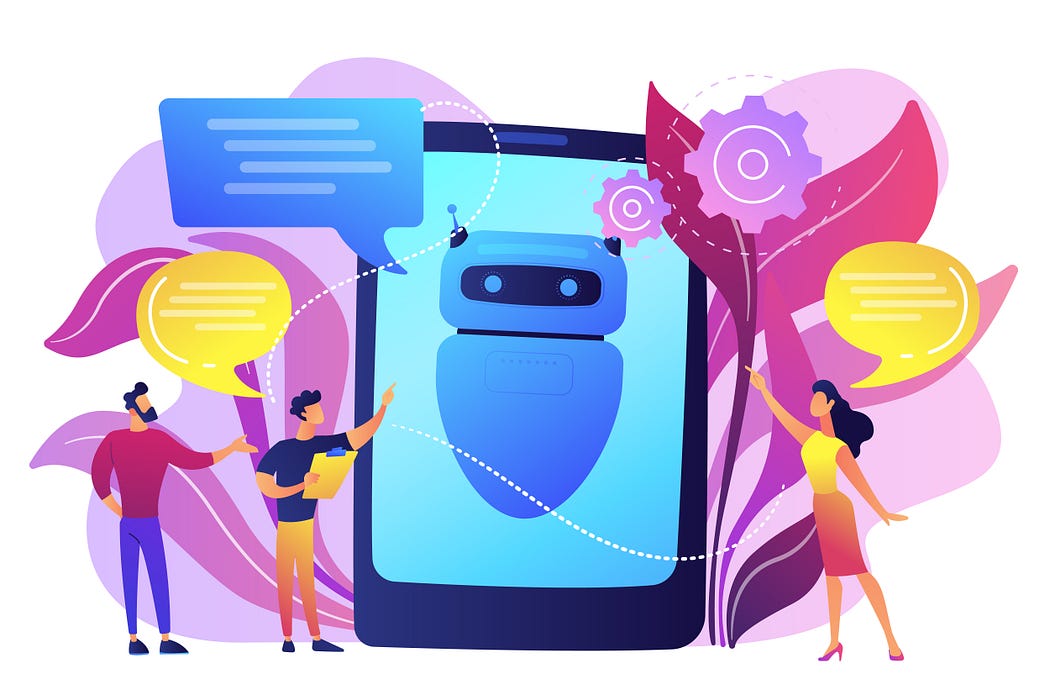
Our bot follows a modular architecture, ensuring clarity and maintainability. At its core, it has configurations, chat interactions, a voting system, email notifications, and a scheduler.
(Here, you can embed a simple block diagram showing the bot’s architecture.)
Let’s Code: Building the Bot, Step-by-Step 🖥️
Configurations First:
Set up essential configurations. Define thresholds, chat space details, and email templates in settings.gs.
javascriptCopy code
// settings.gs
var VOTE_THRESHOLD = 10;
var GOOGLE_CHAT_SPACE = "YOUR_GOOGLE_CHAT_SPACE_URL";
var GOOGLE_CHAT_THREAD = "YOUR_GOOGLE_CHAT_THREAD_ID";
Chat Interactions:
The bot needs to communicate. Use chatService.gs to handle chat interactions.
javascriptCopy code
// chatService.gs
function sendReminderToChatSpace() {...}
Voting Mechanism:
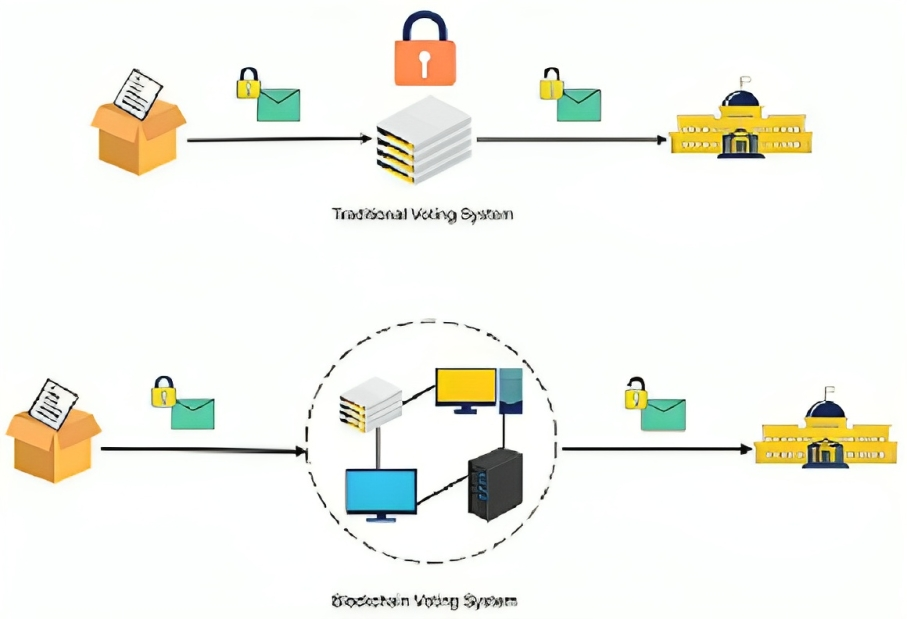
Gather opinions effortlessly. The votingService.gs facilitates this.
javascriptCopy code
// votingService.gs
function collectVotes() {...}
(Embed a GIF of the voting mechanism in action.)
Email Notifications:
Keep everyone informed. Use emailService.gs to send emails based on votes.
javascriptCopy code
// emailService.gs
function sendPositiveEmail() {...}
Scheduling Magic: Automating the Reminders 🕰️
Automation is key! Use Google App Scripts’ built-in triggers to schedule reminders. The scheduledReminders.gs handles this.
javascriptCopy code
// scheduledReminders.gs
function scheduleReminders() {...}
Stuck? Troubleshooting Common Issues 🩺
- Reminder Not Sending? Check Google Chat API permissions.
- Voting Issues? Ensure
countVotes()integrates well with Google Chat. - Emails Missing? Confirm Gmail API is enabled with required permissions.
Taking It Further: Enhancements & Future Scope 🌟
Our bot is ever-evolving. Future enhancements include:
- An Analytics Dashboard.
- Calendar Integration.
- User Profiles with rewards!
Want to contribute? Check out our GitHub repository and make this bot even better!
Conclusion: Wrapping It Up & Your Next Steps 🚀
The Google Chatbot Scheduler: Yoga Reminder is more than just a bot; it’s a testament to how automation can simplify our lives. As you embark on building your version, remember the essence lies in its interactivity and efficiency. Check out the complete project on GitHub and start automating your reminders